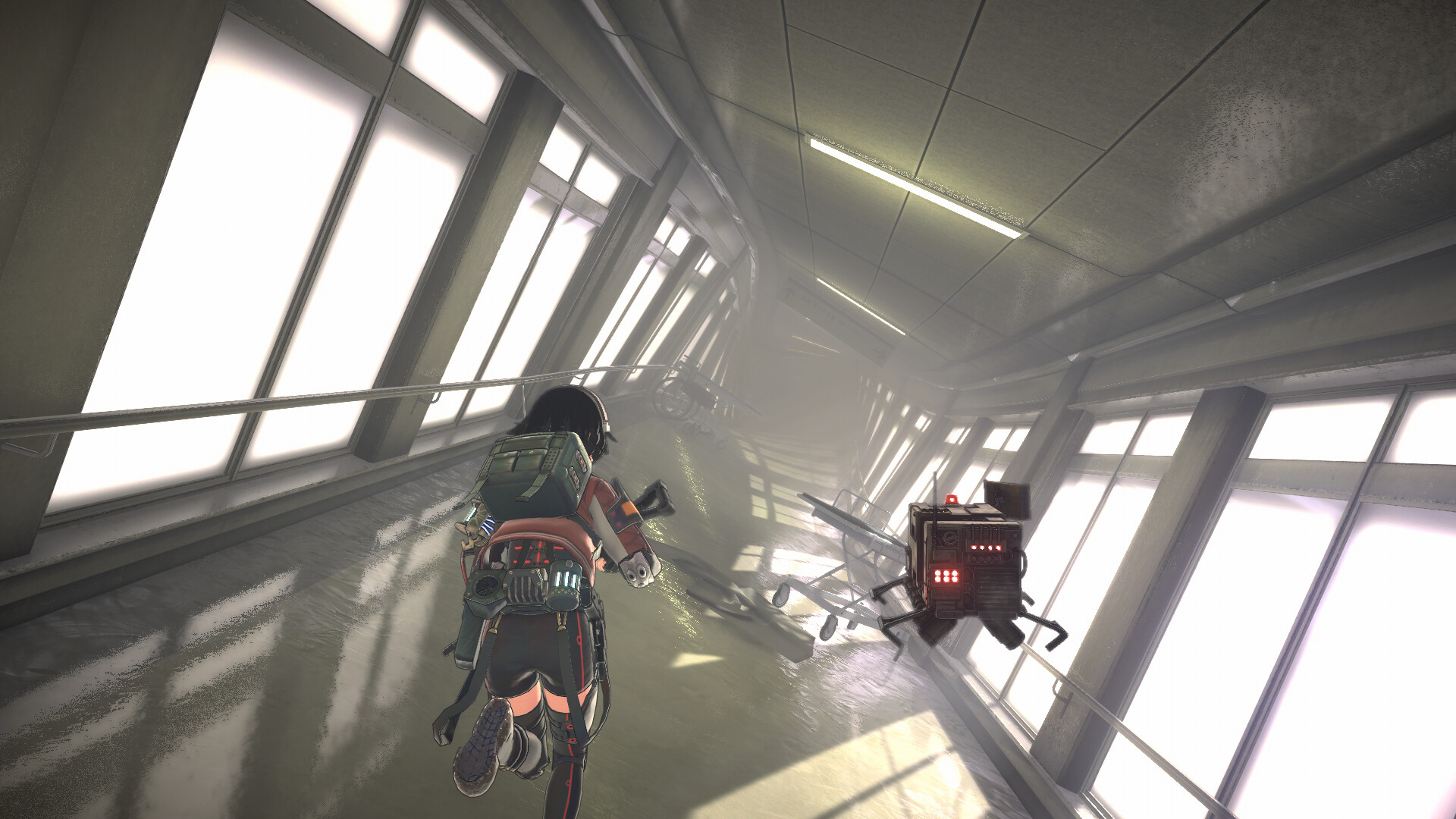
Find Materials and Bring Them Back
Use Scan to locate nearby supplies, follow the map through distorted spaces, and transfer development materials to base Storage at portals while keeping ammunition and healing items for the rest of your Dive. Back at base, use recovered Anomalous Objects to develop and upgrade equipment, and equip Artifacts to improve Reona's stats.
Find Supplies Along Your Mission Route
- Check the map's current mission objective to establish where you need to go. Use that destination to keep your investigation on track while collecting supplies along the way.
- Use Scan to display the direction and distance of nearby items. Follow those readings when searching around shelves and room corners, where a quick glance can miss useful supplies.
- Inspect nearby passages before moving to another area. Collecting materials as you advance helps you avoid passing over supplies that will be useful for equipment development at base.
- Choose a weapon suited to the Anomalies blocking your progress. Manage ammunition carefully, and use offensive or defensive Anomalization Skills to help control the fight while working toward extraction.
Fit More Supplies Into Your Inventory
Inventory space depends partly on backpack capacity, and different items occupy different amounts of the grid. When a pickup will not fit, try rearranging what you already carry before heading back to a portal. Keep the weapons, ammunition, and healing items you need for the ongoing investigation with you when deciding which development materials to transfer.
- On PS5, press Triangle to sort your inventory automatically. Try this when the case looks crowded, then check whether the item you want now has enough room.
- On PS5, use Square to pick up or place an item in the inventory. This lets you reposition items when the current arrangement leaves awkward gaps.
- On PS5, press L1 or R1 while holding an item to rotate it between horizontal and vertical orientations. Match its footprint to the available space before placing it.
- Return to a portal if rearranging the grid still leaves insufficient room. Transferring development materials that you do not need during the Dive frees inventory space for further exploration.
Use Portals to Transfer Materials and Save
Portals act as exploration waypoints with item transfer, saving, loading, and return functions. They can be established only at designated locations, rather than anywhere in the Zone. Watch for the prompt that appears at a suitable point.
- Open the portal when you reach a designated location and its prompt appears. This gives you access to its functions before you continue farther into the Zone.
- Transfer development materials into base Storage to free space in your case. On PS5, R3 provides bulk-material transfer; during the hospital investigation, deposited items cannot be withdrawn there, so keep the ammunition and healing supplies needed to continue.
- Use the portal's manual save function before continuing your investigation. Before a boss encounter, check your save at an available saving point so you know your progress has been recorded.
- Select the return function when your mission permits a return to base. Back at base, the items recovered during your Dive can be used for equipment development and upgrades.
When Returning or Saving Is Unavailable
The opening hospital investigation must be completed before you can return to base, even after establishing a portal. Check your current mission objective if you are unable to leave. If saving is unavailable, check the portal's usable state and whether the current scene allows saving.
Turn Retrieved Materials Into Better Equipment
Anomalous Objects recovered during Dives become development materials for weapons, attachments, and protective equipment at base. Visit the Workshop with your haul to develop or upgrade equipment for later investigations. For an early upgrade, improving the handgun's attack power is a practical choice for ordinary encounters.
Customize firearms with attachments to suit the way you fight. Sights, grips, and stocks are among the parts you can change, and attachments can provide statistical bonuses as well as alter a gun's appearance. Compare the available parts with the weapon you intend to carry, then prepare its ammunition before heading out.
Artifacts are equipment you can recover from Anomaly Zones and equip to improve Reona's stats. Choose their benefits around how you prefer to fight, and use the ones you find while progressing through missions. Before the next Dive, review your equipment and ammunition so the materials you brought home contribute to your next investigation.
Protective gear also affects Reona's stats, so consider its performance when preparing for another Dive. You can change her outward appearance while keeping equipment performance intact. Choose the equipment for the benefits you want, then adjust the appearance separately if you prefer a different look.