Start With the Tutorial and Your Handgun
Start ANOMALITH with the tutorial, upgrade your handgun, then follow the Dive, Retrieve, Return loop: prepare at Base, explore an Anomaly Zone and bring useful materials back for equipment upgrades. Use the guide directory below for your next obstacle, whether that is an opening mission, weapon choice, difficulty setting or exploration problem.
Make Aiming and Combat Comfortable
Check the difficulty and aiming options before settling into your investigations. If lining up shots feels awkward on a controller, try aim assist to help target enemy weak points. Choose a difficulty that gives you room to learn shooting and parrying without rushing.
Use the shooting range when aiming, reloading or switching weapons still feels unfamiliar. Its entrance is beside the Workshop counter. Practice there before the next investigation so you can pay more attention to enemies and your surroundings during a Dive.
Follow the Dive, Retrieve, Return Loop
- Complete the opening tutorial to learn shooting, parrying, Anomalization Skills and the basics of using Base. Treat its encounters as practice for combining gunfire with your other actions, rather than relying on a single attack throughout every fight.
- Upgrade your handgun in the Workshop after the tutorial to improve your starting weapon for ordinary encounters. Materials brought back from investigations support weapon improvements, so this introduces the connection between finding supplies during a Dive and preparing for the next mission.
- Prepare your loadout at Base before entering an Anomaly Zone. Your weapon attachments can tailor firearms to your combat style, while equipped Artifacts improve your stats; your equipment and ammunition choices form the starting point for the investigation ahead.
- Scan your surroundings with the indicator during exploration to locate nearby supplies. Its direction and distance information helps you search shelves and room corners, giving you a reason to inspect an area before moving straight toward the mission objective.
- Land gunshots between MP-consuming actions to replenish the resource used by your combat abilities. Parrying also consumes MP, so repeatedly attempting it can leave less available for Anomalization Skills; deliberate shooting helps sustain the rhythm between firearms and powers.
- Transfer development materials into storage at an available portal to free inventory space for the rest of the investigation. Keep the ammunition and healing supplies you still need with you; portals have designated locations, so you cannot place one wherever your inventory fills.
- Return to Base when the investigation allows it to put your recovered items to use. The Workshop turns materials from your Dives into equipment improvements, connecting the end of an investigation with preparation for the next trip into an Anomaly Zone.
Use Your Finds Between Investigations
Start your upgrade decisions with the handgun, then consider attachments and other weapons as your preferred fighting style develops. Check ammunition availability alongside weapon performance when choosing what to carry. Artifacts recovered from Anomaly Zones offer another way to strengthen your equipment setup.
Read Dive Reports after defeating Anomalies to learn about their ecology. For more character background and relationships, follow side missions. You can check available side missions on the board in the Workshop, with requests becoming available as you progress.
Choose the Guide for Your Next Problem
Start with the beginner guide if the overall combat and exploration loop is still unfamiliar. Choose an opening-mission or hospital walkthrough for progression help, then use the weapon, difficulty and Workshop references for equipment and settings decisions.
| Guide | When to Use It |
|---|---|
| Open the beginner guide | Use this for aiming, scanning, parrying and portal management when you need help connecting the basic systems. |
| Open the opening-mission walkthrough | Follow the opening mission when you need progression guidance alongside the introductory mechanics. |
| Open the hospital walkthrough | Choose this for the hospital investigation when you need mission-specific help beyond the opening tutorial. |
| Browse the weapon database | Consult the weapon reference when deciding which firearms deserve a place in your equipment setup. |
| Open the difficulty guide | Use this when choosing a difficulty setting that suits how you want to approach combat. |
| Open the Workshop upgrade guide | Read the upgrade recommendations when you return with materials and need to choose your next equipment improvement. |
Check Objectives Before Assuming You Are Stuck
If you lose your way, check the map and your current mission objective. During the first Anomaly Zone investigation, opening a portal does not necessarily let you return before completing the mission. If return is unavailable, review the objective and your progress before treating it as a fault.
Get the Game and Find Official Updates
ANOMALITH is available on Windows PC through Steam, PlayStation 5 and Nintendo Switch 2. Choose the storefront for your platform below. If you begin with the free opening demo, plan to start fresh in the full game because demo save data does not transfer.
- Open ANOMALITH on Steam to get the Windows PC game or access its separate demo.
- Open ANOMALITH on PlayStation Store for the PlayStation 5 release.
- Open ANOMALITH on Nintendo's storefront for the Nintendo Switch 2 release.
- Visit FURYU's official ANOMALITH website for the game's systems, characters and product information.
- Join the official FURYU Games Discord to connect with the community and follow game updates.
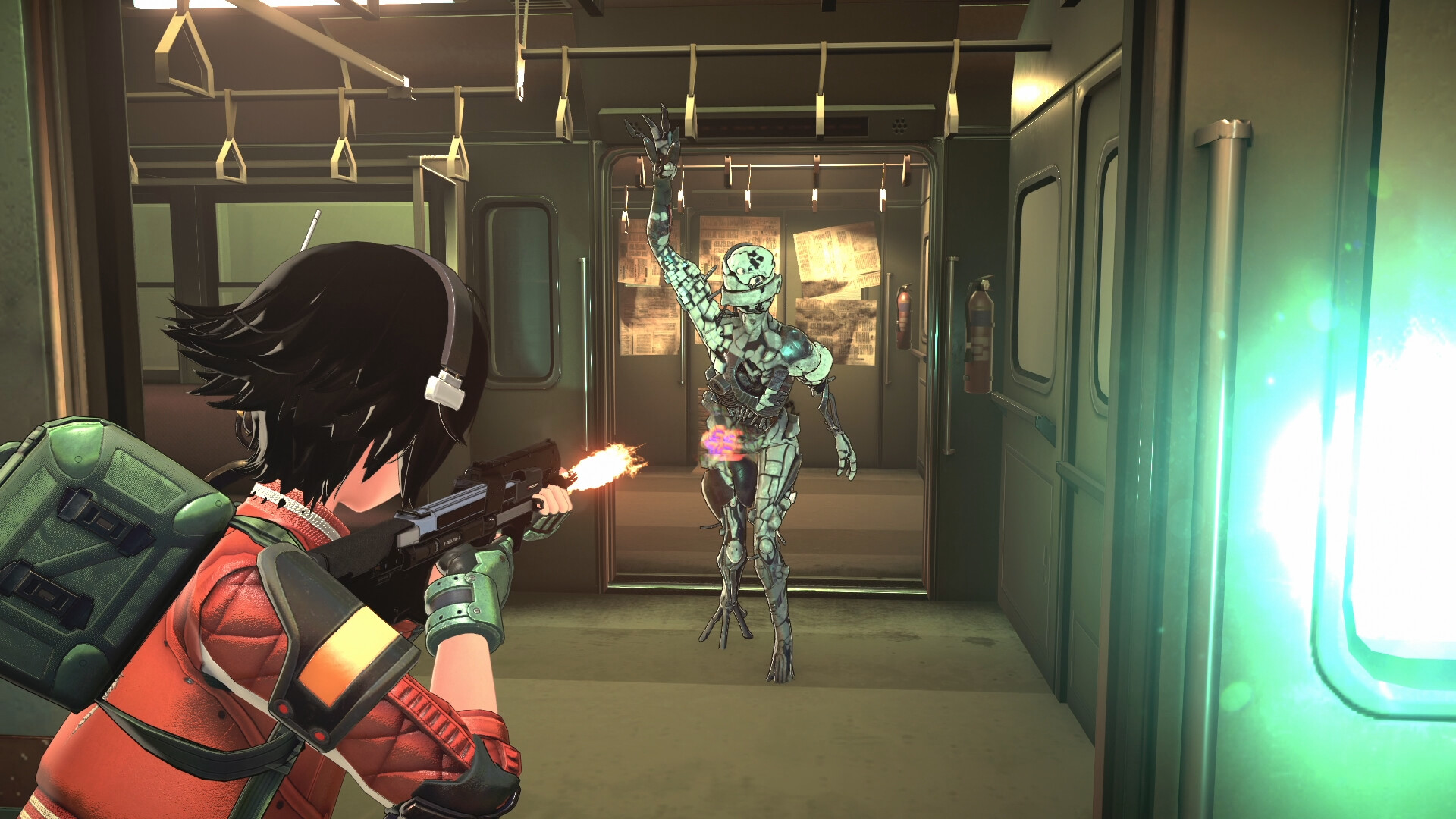
Watch the official ANOMALITH launch trailer for a look at the game.Playing this video connects to YouTube.